Posts

Progress Update #4

Image
    Multithreading Hell     So it took awhile but it's finally "done". I have managed to parallelize the terrain generation of the planets. To be honest it's basically held together with duct tape but it works and that's all I honestly care about right now. The terrain of the planets generates soooooo much faster at higher resolutions, and the whole program doesn't lock up while the terrain is being generated.     Starting out, I thought that multithreading would be a common thing to do in Unreal, and thus I thought there would be good documentation on the subject. Apparently not. There was very little to go off when I first started so I went searching the web for answers.       I looked up C++ multithreading and it looked simple enough. Just #include <thread> and call whatever function you want on a seperate thread. Like this . But then somewhere along this journey I discovered that Unreal had its own system for multithreadin...

Progress Update #3

Image
  The Worst Bug     So far I haven't maintained my promise to do an update every week, but it wasn't from lack of effort I can guarantee you. You see, because I'm not strictly following a tutorial, I'm not easily able to get answers to my problems. This is a result of that.     So the gist of the problem I had was this: I wanted to have different noise affect the oceans and the terrain. Basically I wanted to get rid of these spindley bits that I thought didn't look nice.      A simple problem right? Yes actually. All I had to change was, when adding noise to the elevation, check if the new elevation would be below 0 (sea level) and not add it.  From: elevation += elevation + NoiseFilters[i]->Evaluate(PointOnUnitSphere) * mask; To: float newElevation = elevation + NoiseFilters[i]->Evaluate(PointOnUnitSphere) * mask; // Only use first layer noise for ocean shading if (elevation + newElevation > 0) { elevation += n...

Progress Update #2

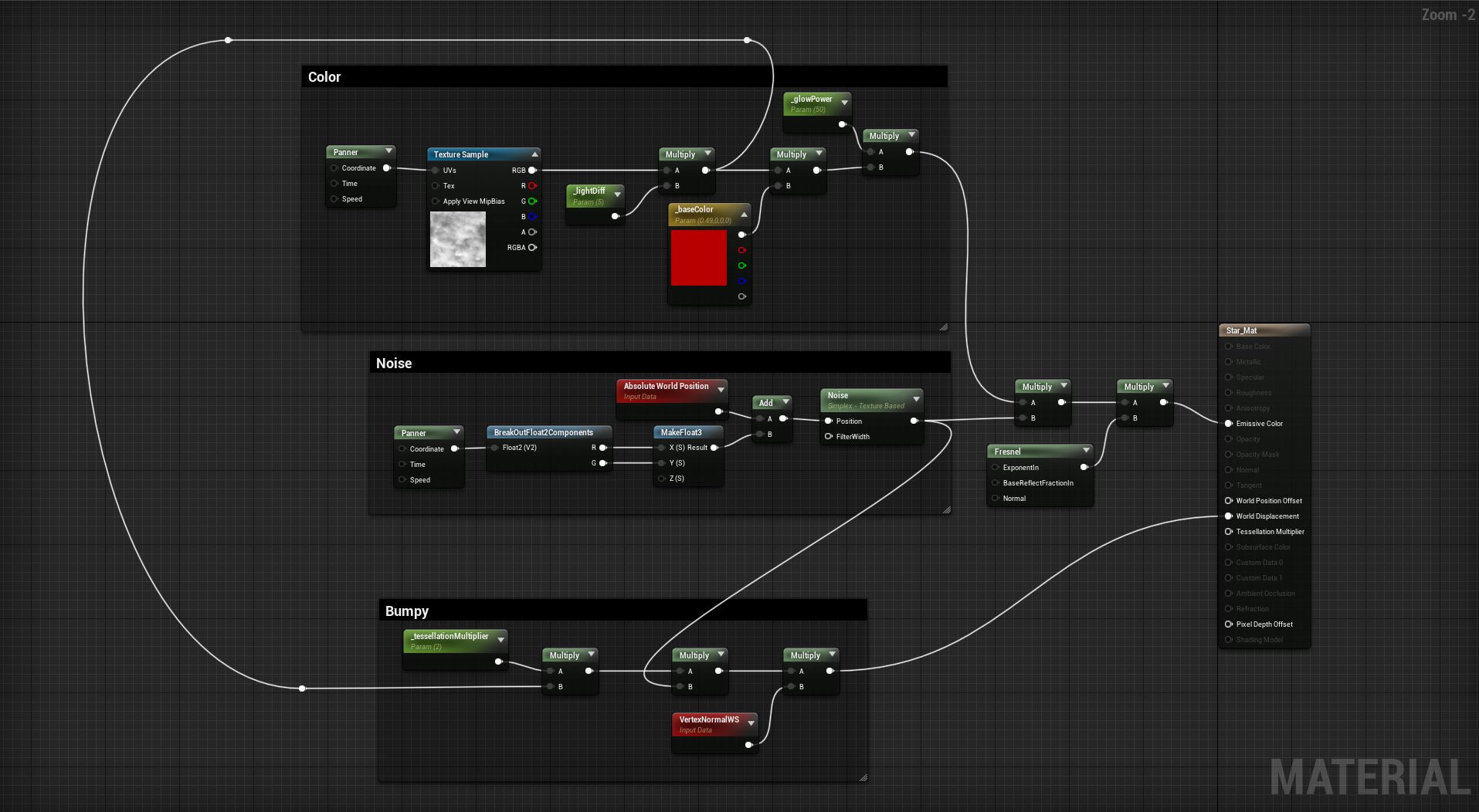
Star Properties     It seems to have become tradition that whenever I set out to do something that I think will be easy, it ends up being the opposite. Making properties for the stars was no different. There were two main parts to this process. Making changes to variables apply to the material, and making those changes affect the lighting of the planets.     Making the variables apply to the material was not that hard as I had done that before. It just ended up being a time consuming process to do for all the properties. All that I had to do was implement a  PostEditChangeProperty for every property and set a vector or scalar parameter value for each on a UMaterialInstanceDynamic. Here's what that looks like for radius and mass: void AStar ::PostEditChangeProperty( FPropertyChangedEvent & PropertyChangedEvent) { if (PropertyChangedEvent.Property != nullptr ) { const FName PropertyName(PropertyChangedEvent.Property->GetName()); if...

Progress Update #1

Image
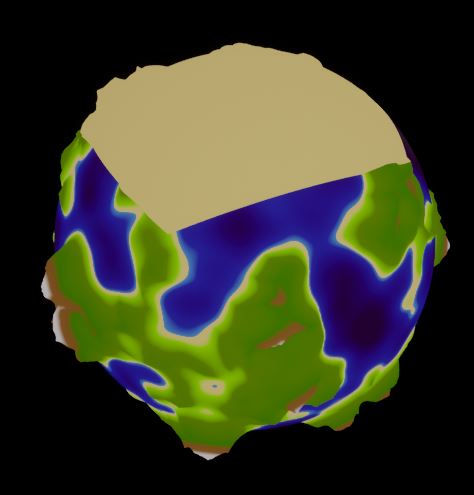
  Major Progress     After another long break, I have returned and in the meantime I have made quite a bit of progress. I fixed the issues from last blog entry, made some more problems to fix later, added stars (and with that a new lighting system), and added ocean depth just to name a few.  Fixing Past Issues:     This was much easier than I thought. The main issue was that the biomes were generating across the wrong poles of the planet. This was fixed by changing  PointOnUnitSphere. X  to PointOnUnitSphere. Z .   I also fixed some 'array out of bounds' error that was preventing the planet from generating, but to be honest I forgot where I made that change it was so long ago (and probably as small of a change as changing that x to z).  Stars:     I knew I wanted more celestial objects at some point, and I was getting quite tired of dealing with the stupid biomes not working so I decided to pivot to making a star texture....

Summer Work (Day 22)

Image
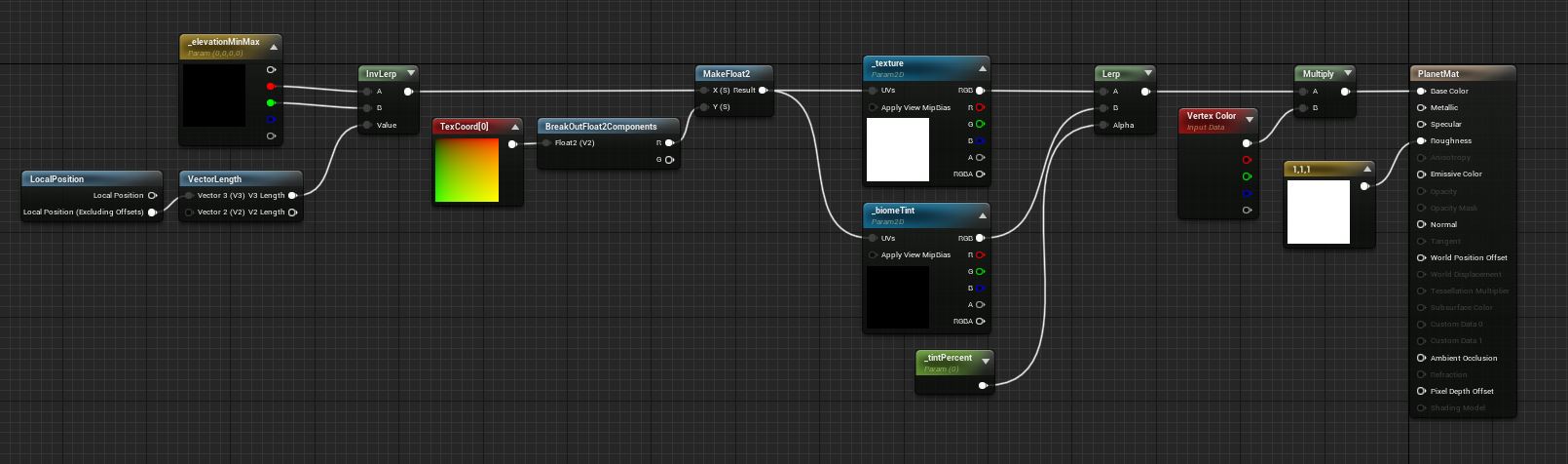
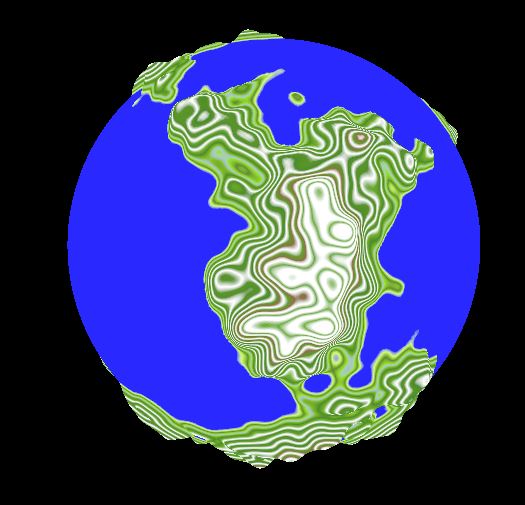
Biomes pt.2     I'm back, and today I have almost finished the basic biome system; in that I have different colored areas of the planet based on "latitude". I say "latitude" because the colors are currently actually generating the biomes from the west pole to the east instead of south to north but I can still rotate the entire planet so that it looks like south to north.      I started off this process by looking into the biome tint to see if I could get that working first. In my last blog post I showed how the tint percent didn't seem to be tinting the planet all the way. After looking at the code, the first clue came to me in that where I was trying to pass in the color, the key was requesting a float not a color. Some more messing about later and I finally realized that the UCurveLinearColor's keys were a vector4. This then immediately clicked in my mind as RGBA. This meant that the mistake I was making was trying to give the red value of the vector...

Summer Work (Day 21)

Image
Biomes pt.1     This will be a small update about what I have accomplished before I go away again for a few days. I have been focusing fully on trying to get the biome system implemented.     The main thing I am trying to do is to get the tint working. This is more of a debug tool than anything, but it will allow me to see that the system is working properly. It is supposed to color the part of the planet belonging to a specific biome a solid color. Also if I can manage to get that to work then all I have to do is replace that solid color with a gradient and the whole job is essentially done. Here's what I have so far for that: 1 2 3 4 5 6 7 8 9 10 11 12 13 14 15 16 17 18 19 20 21 22 23 24 25 26 27 28 29 30 31 32 33 34 35 void ColorGenerator::UpdateColors() { ColorSettings->Atlas->TextureSize = TextureResolution; ColorSettings->Atlas->GradientCurves.SetNum(ColorSettings->BiomeColorSettings->Biomes.Num()); TArray<UCurveLine...

Summer Work (Day 20)

Image
Texture Automation     First off, I haven't updated this blog in a few days. That's because I was out of town for some time, and until I go back to school that will happen a few more times, mostly over the weekends. Regardless, I have managed to make at least some progress today in the realm of texturing these planets.      The one thing that I wanted to accomplish today was to automate the process of creating the curve atlases. This was to catch up to the tutorial series in which  Sebastian Lague creates a texture based on the color gradient. But as mentioned in previous blog entries, this approach will work in Unity but not Unreal.      In Unreal I decided to just use the atlas directly instead of trying to create a genuine texture. This meant that I had to fill all gradient curve slots in the atlas with the gradient that I wanted to use. The problem with this is that the atlases must be square. So if you want a texture resolution...