Posts

Progress Update #25

Image
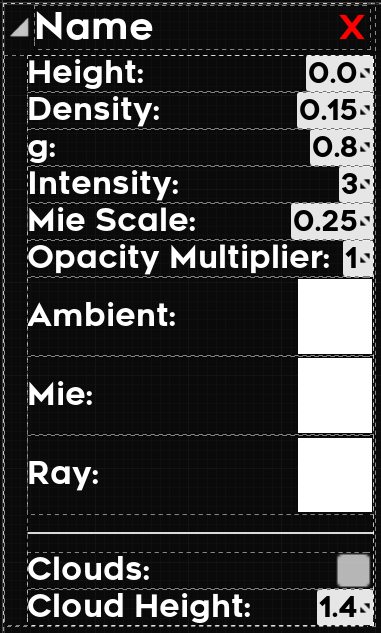
Alpha Complete!     This week I have kept to deadlines and have a playable alpha version of the game to show for it. It may be the most bare-bones piece of software ever (with some actions only being available through the in-game console) but it met the expectations and I am proud to have made it this far. Ring System and Atmosphere Editability     The last real feature that I wanted to add was the editability of ring systems and atmospheres in game. Honestly though, there isn't much to say here about it, it's really just more of the same from the last two progress updates. I made some setters that when called would update the component in real time.  Atmosphere Settings: Ring System Settings: Celestial Player Movement:      One thing that began to bug me was the limits on celestial player movement. Because of the way I was doing it (that is by linearly interpolating between the current actor rotation and a desired rotation) the player's pitc...
Progress Update #24

Image
  Even more UI     As it turns out, making a good UI takes time; who would've thought. That is why this week was dedicated entirely to fleshing out the overview UI, and I'm still not done. This process though has been taken up by two main aspects: formatting and functionality.  Formatting     Out of the two, this is the one I have the least experience in. I have some general knowledge about Unreal Motion Graphics  (UMG: Unreal's in-editor UI creation tool) and the formatting capabilities it has, but I definitely learned a fair amount this week. Size Box     The first problem I had to solve was the clipping on the main info scroll box. As you can see in the following picture, some of the numbers get cut off and some flat-out disappear because they are outside the bounds of the main scroll box     The solution I found for this is a component called a size box . This component basically overrides the width and height of its childr...

Progress Update #23

Image
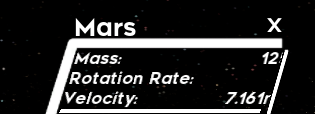
  So much UI...     This past week has been entirely dedicated to adding depth to the UI in the form of detailed information about the planets, with a few exceptions for improving player movement.  Overview UI     Most of the detail came here as the overview mode is where all of the information about the planets is collected and edited. At the end of last week, this information was just a placeholder textbox, but now was the time to fill it out with real information. Star     I started out with the star information widget as it was the easiest; only four main properties: radius, mass, luminosity, and color. Here's what that looks like:      The idea of the structure of this UI was that each type of celestial body (star, gas giant, terrestrial planet) would have one of these information widgets that would be added to the main highlight widget (the green box in the picture).  Gas Giant     With the star i...

Progress Update #22

Image
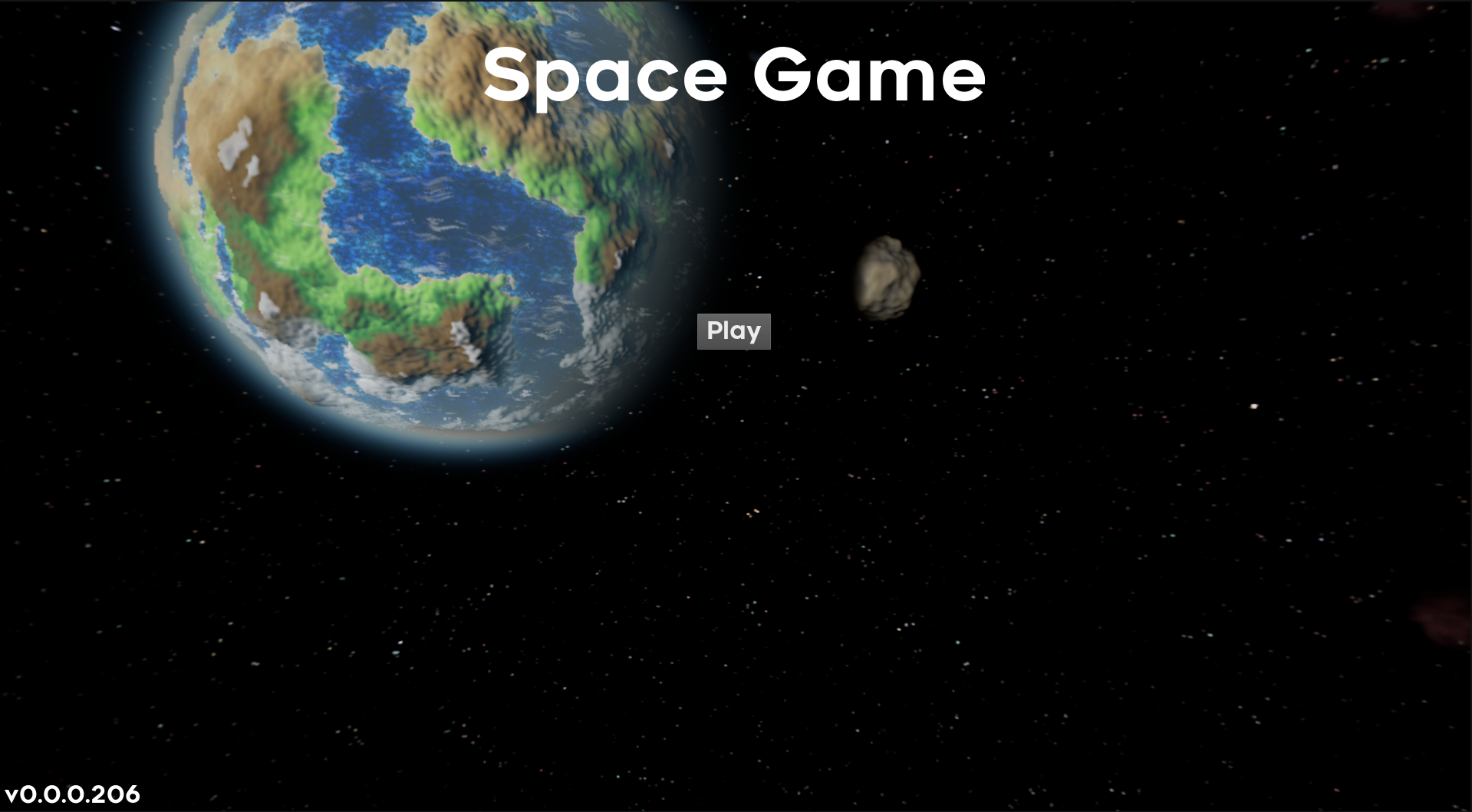
Adding Gameplay to My Game     With development now moving into the alpha stage it is time to add something to do in the game. On the roadmap I have outlined the two parts of the game; the part when you fly around the solar system as a little space ship (referred to as celestial mode), and the part where you can get a view of the entire solar system at once and change settings (referred to as overview mode).  The Main Menu     Before jumping head-first into the game though, I decided to first make a simple buffer between out of game and in-game, more commonly referred to as a main menu. Only really two things to talk about here, the background and the text.      I personally find flat images for main menus quite boring. There's not much to look at and once you open the game for the first time you have seen really all that screen has to offer. so I took some inspiration from one of my favorite games, Minecraft, and made a spinning panorama image as...

Progress Update #21

Image
  Procedural Generation Runtime Compliance     Over this week I have made major progress on the packaging errors that effected the project; the majority of which had to do with the systems of generating procedural meshes and textures at runtime. The reason they weren't runtime compliant is that I was using functions and variables from the engine that were marked as WITH_EDITOR or WITH_EDITORONLY_DATA which are not allowed to be used in packaged builds of the game/ at runtime. Procedural Meshes:     With the main appeal of the game being the generation of planets I decided to start by fixing the mesh generation system. In the process of looking for a solution I came across two articles ( article 1 article 2 ) on the subject of runtime procedural meshes written by an employee of Epic Games. The first article was the one that I spent most of my time on but they are both very detailed on their respective topics.      After multiple days of trying to ...

Progress Update #20

Image
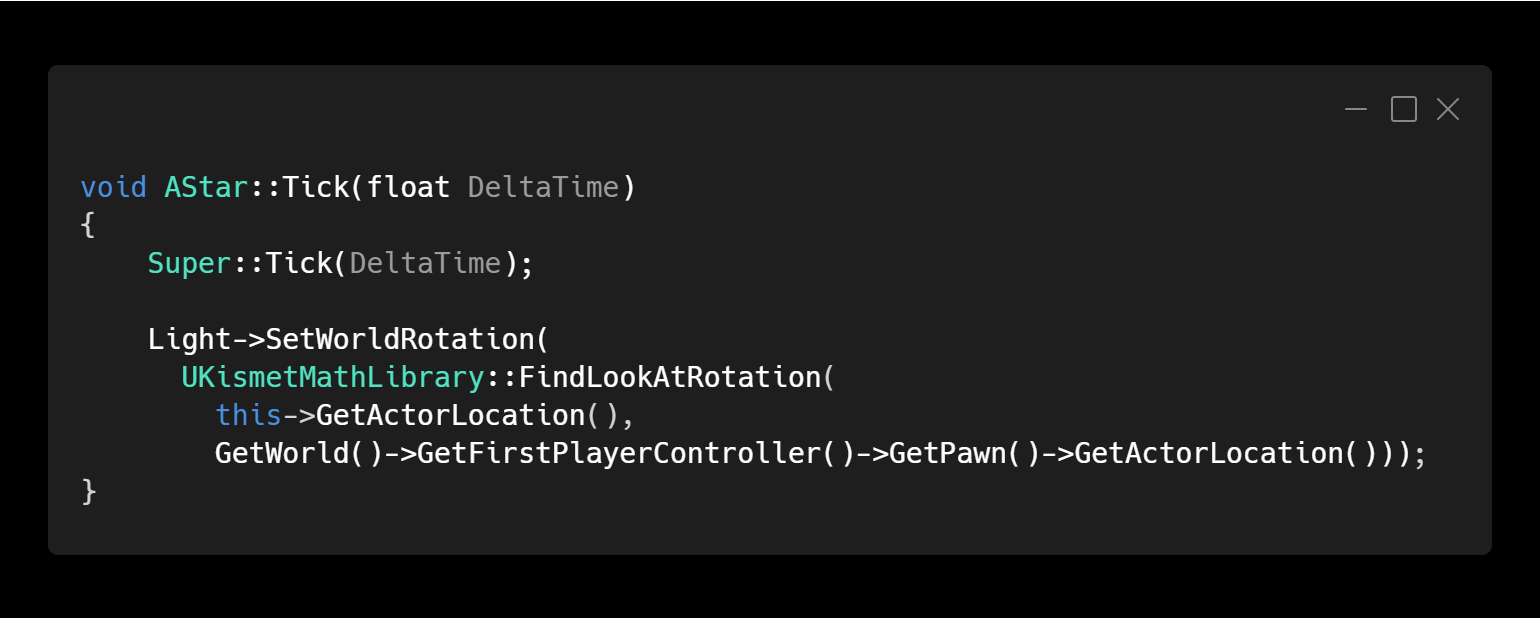
  Real-Time Planetary Lighting in UE4 ft. A Lesson in Building Early and Often     The final feature I wanted to improve before moving to the pre-alpha was the lighting. Early on in this project I decided that the lights in the engine wouldn't suffice. The point lights didn't have a large enough radius to be effective in a solar system, and lighting planets lit with individual spot-lights wouldn't be feasible when it cane to asteroids. Thus I implemented a system of unlit textures that would emit color only on faces whose normal was pointing towards the sun. This system though didn't have support for two features that I wanted with the lighting: reflections and shadows. The Directional Light Solution:     Before attempting to rewrite the lighting system, I decided to give the built-in  lighting one more chance. I'm insanely thankful that I did this because while doing some googling I found this thread on the unreal forums that explains multiple methods of ...

Progress Update #19

Image
  Orbit Debug/Visualizer Optimization     This week I tasked myself with optimizing the orbit visualizer. The reasoning behind this was that I couldn't render an entire orbit of planets with large orbit radii without the framerate plummeting to the low teens and that would need to change. Finding the Root Problem     The first thing I set out to do was to find out exactly why the engine was having a hard time with rendering orbits far into the predicted future. While looking for methods of debugging optimization in Unreal, I came across a presentation by the Unreal team on  Profiling and Optimization in UE4 . This talk introduced me to the stat unitGraph console command as well as the GPU Profile accessible with the shortcut Ctrl + Shift + ,     Through these methods of debugging I realized that the debug line method of rendering would hit the CPU render thread (draw) while the spline method would hit the CPU game thread. Baseline (0 step...